Sign in / sign up / Daily usage limit / Software updates
Sign in / sign up
We'll send a code to your email. You can keep using the app for now.
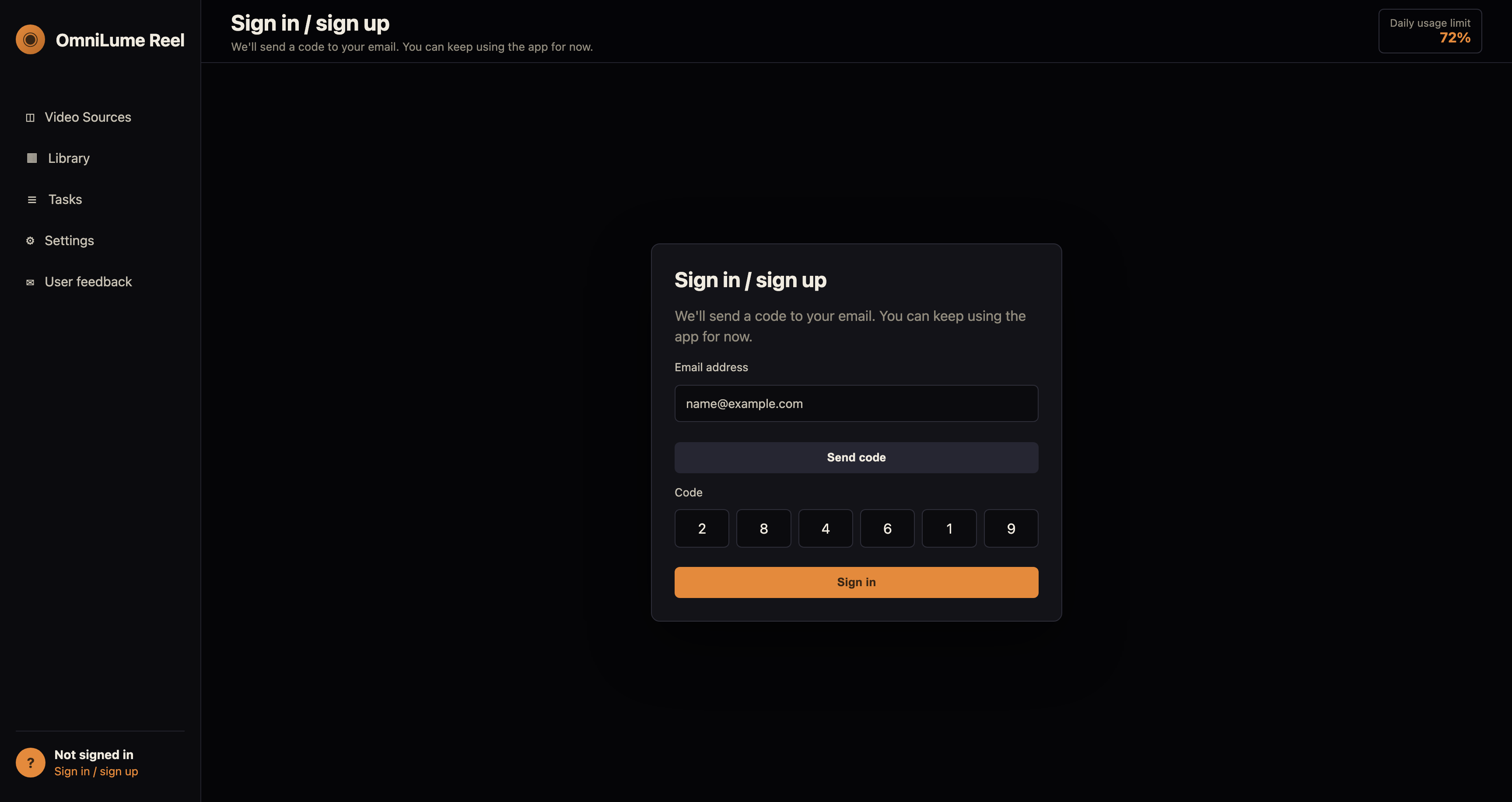
Steps:
- Email address
- Send code
- Code
- Sign in
Common reasons:
- Too many requests. Try again later.
- The code is not correct.
- The code expired. Request a new one.
- Enter a valid email address.
Sign out
Confirm / Cancel
Daily usage limit
Resets in 24h. Usage is deducted only after successful analysis.
- Today's signed-out analysis quota has been used. Sign in to continue with a higher quota.
- Today's analysis quota has been used. Try again tomorrow.
- Analysis tasks are already in progress. Wait for a current task to finish, then try again.
- This app version is too old. Update to 0.2.2 or later before starting analysis.
Share usage analytics and diagnostics (optional)
Sends: an anonymous installation ID (locally hashed), app version, system platform/version/architecture, UI language, time zone, launch/activity state, and page route. If a crash or uncaught error occurs, it sends a sanitized error summary, source, and stack excerpt. When signed in, launch and page stats are also used for account-side device activity summaries.
Not sent:
Does not send: video titles, URLs, search terms, file paths, media content, scene descriptions, transcripts, browser cookies, email addresses, passwords, or account content. Diagnostics try to remove local paths; raw events are retained for at most one year.
Software updates
- Check for updates
- Download and install
- Automatically check for updates
- Automatically download updates